
If you’ve ever landed in Costa Rica after a long flight and felt that tiny spike of panic—bags delayed, customs line crawling, driver waiting—you’re not alone. I’ve been there more times than I can count.
For years, I’d get off the plane and immediately start the scramble: connect to the airport Wi-Fi (if it worked), hunt for a SIM card, or hope the hotel still had my late-arrival note. It wasn’t exactly the pura vida start I imagined.
Now? I install my Holafly eSIM on my phone before we even leave the States. By the time the plane touches down in San José, I already have service. I can message our hotel, check the map, and let everyone know we’ve landed—without a single moment of stress. It’s the easiest way to start any Costa Rica adventure.
In this post, I’ll tell you exactly how I do this so you can do it too.
RELATED POST: Costa Rica With Kids- The Complete Guide
How I Prep My Phone Before Landing
Part of my packing routine for Costa Rica always includes getting my Holafly eSIM ready to go. I start by grabbing my reader discount link and opening the Holafly page—sometimes on my desktop, sometimes right from my phone. From there, I choose the plan for the number of days we’ll be in Costa Rica and finish the purchase. I love the customizable day plans where you only pay for what you need- and no extra.
Next, I download the Holafly mobile app and log in using the same email I used for the order. You’ll need your order ID to link the purchase in the app, so it’s easiest to copy and paste it straight from your email confirmation. Once you’re in, just follow the prompts to install the eSIM—it walks you through every step.
After that, there’s nothing left to do until we land. As soon as the plane touches down in San José, I open the Holafly app, switch off my regular data line, and turn on the Holafly line. Occasionally, I restart my phone, but usually it connects instantly—before we’ve even pulled up to the gate. It’s so easy, and it’s one less thing to think about after a long travel day. And if anything does go wrong? There’s 24/7 customer support.
RELATED POST: 7 Days in Costa Rica – With Kids!
Landing in Costa Rica and Getting Connected
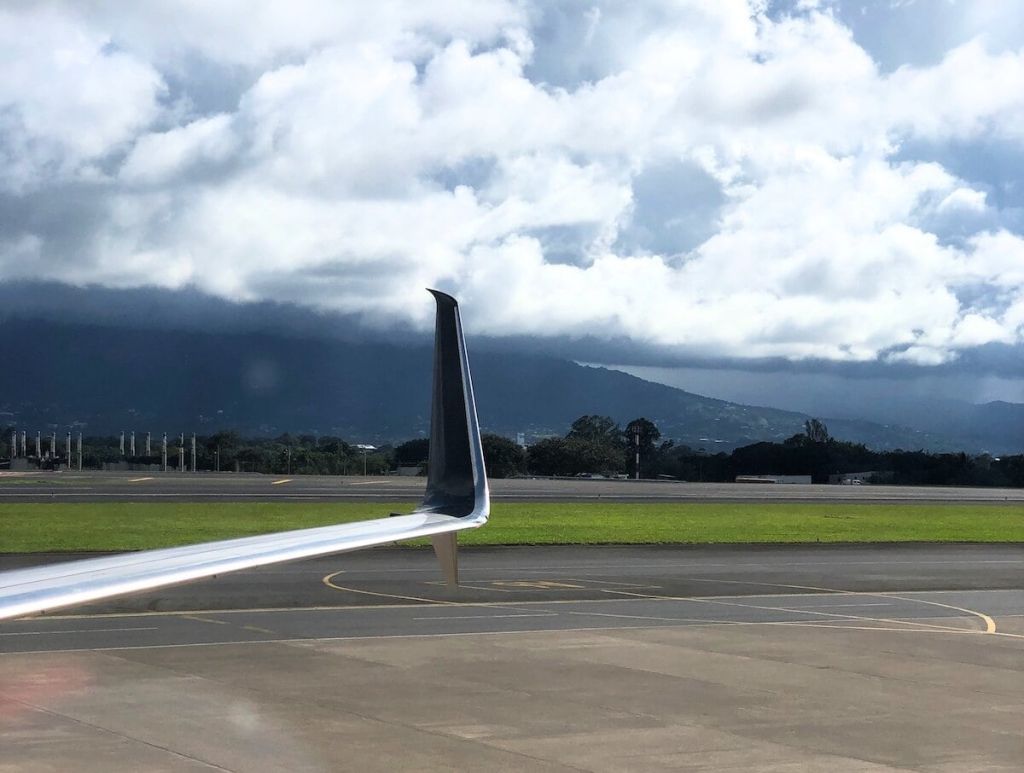
The moment we touch down in Costa Rica—whether it’s San José or Liberia—I pull out my phone and get connected right away. I open my settings, turn off my U.S. phone line, and switch on the Holafly line. Depending on your phone, you might get a few quick prompts (especially on iPhones) asking where to route your iMessages or calls.
I always do this before we even start taxiing to the gate. That way, I avoid any international roaming charges from my U.S. carrier and know my Holafly eSIM is working perfectly before we even stand up to grab our bags. If the connection doesn’t kick in instantly, I’ll just toggle airplane mode off and on or restart the phone once—super easy.
Within minutes, I’m fully online, no stress, no hidden fees, and ready to start the trip. From that moment on, I don’t have to think about connectivity again.
YOU’LL LOVE: Which Costa Rica Airport Should I Fly Into?
Road Trip Ready
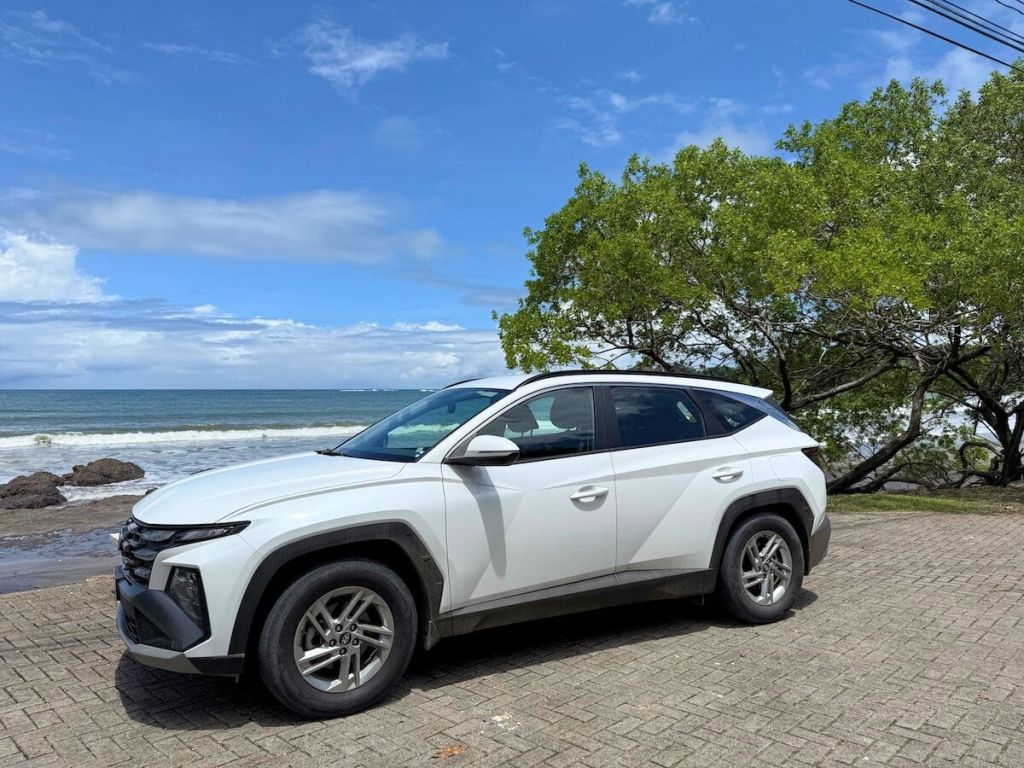
Flights to Costa Rica arrive at all different times, but since we usually fly in from Denver, we tend to land in San José around eight o’clock at night. After we grab our bags, we do what has become our favorite routine—we take a quick taxi to Adventure Inn, spend the night there, and have our Adobe Rental Car delivered first thing in the morning. It’s such an easy system. We avoid driving in the dark, save half a day’s rental cost, and still start the trip rested and ready to go.
If you’re heading straight to your destination instead, you’ll likely go to the rental car area at the airport. Once you’re in the car, open Waze—it’s hands down the best way to navigate Costa Rica—and type in your next stop. With Holafly’s unlimited data, you’ll have real-time directions, so even if traffic shifts or you need to message your hotel through WhatsApp, you’re covered. Plus, you get -500MB/day of hotspot to share, so you don’t necessarily have to have an eSIM on all your devices.
And even if you’re not renting a car, having your own data plan makes a big difference. Shuttle Wi-Fi can be inconsistent (I use Interbus), so it’s nice to know you can look things up, share locations, or help your travel companions stay connected. On one press trip, I even used my Holafly connection to edit Google Docs between destinations—something that wouldn’t have been possible on Wi-Fi alone.
SEE ALSO: Driving In Costa Rica – Complete Guide

Relaxed, Connected, and Stress-Free
One of the best parts of having Holafly is knowing I can stay in touch with family back home no matter where we are. My parents and siblings always want to know how the trip is going and where we’ve landed, so I just send a quick WhatsApp message to let them know we’ve arrived safely.
Sometimes the Wi-Fi at hotels or Airbnbs in Costa Rica can be slow—especially if lots of guests are online—or it can go out completely during a storm. I’ve never had that problem with Holafly. Even when the local internet drops, I can still check messages, look up directions, or plan the next day’s adventures without skipping a beat.
Once we’re settled in, I usually open Google Maps and use the Nearby Restaurants feature to see what’s close by. It’s such an easy way to check reviews, hours, and directions all in one place. Most Costa Rican restaurants even list their WhatsApp numbers on Google, so we’ll message them to ask for a menu or confirm they’re open. It saves us from wandering around downtown trying to find a place that’s both open and family-friendly—especially after a long day of travel.
RELATED POST: 30+ Foods To Try In Costa Rica

A Full Day, Seamlessly Connected
At the end of the day, Holafly gives us exactly what every family wants on vacation—instant connection and total peace of mind. When things don’t go exactly as planned (and in Costa Rica, they rarely do!), I know we’ll still be connected and ready to adjust without stress.
It also lets us use all those everyday tools that make travel easier—finding hidden gems nearby on Google Maps, checking restaurant hours, booking tours, or messaging guides on WhatsApp. It’s the same convenience we rely on at home, just from a much prettier location.
And the best part? You can activate Holafly as soon as you land—no more standing in line at the airport or waiting half an hour for a local SIM to register. I love that I can install the eSIM from home, activate it right on the tarmac, and start my trip the second I step off the plane.
RELATED: Top Apps You Need In Costa Rica